


Before diving into the specific features of Xero, MYOB, and QuickBooks, it’s important to understand what cloud accounting software is and why it’s beneficial for SMEs.
Cloud accounting software is a tool that allows businesses to manage their financial data over the internet. Unlike traditional software that requires installation on a computer, cloud-based solutions are hosted on remote servers and can be accessed from any device with an internet connection. This means that you don’t have to worry about maintaining hardware or dealing with complex installations.
Cloud accounting offers several advantages that are particularly beneficial for SMEs. Firstly, it provides greater flexibility and mobility, allowing business owners and their teams to access financial information from anywhere at any time. This can be particularly useful for businesses with remote workers or those that operate in multiple locations.
Another significant benefit is that cloud accounting software is regularly updated with new features and security patches. This ensures that you always have the most up-to-date tools at your disposal, reducing the risk of software becoming obsolete. These updates are automatic and often require no additional cost, which can save SMEs both time and money.
Xero is known for its user-friendly interface, making it a great choice for business owners who may not have a strong accounting background.
Overview of Xero
Key Features of Xero
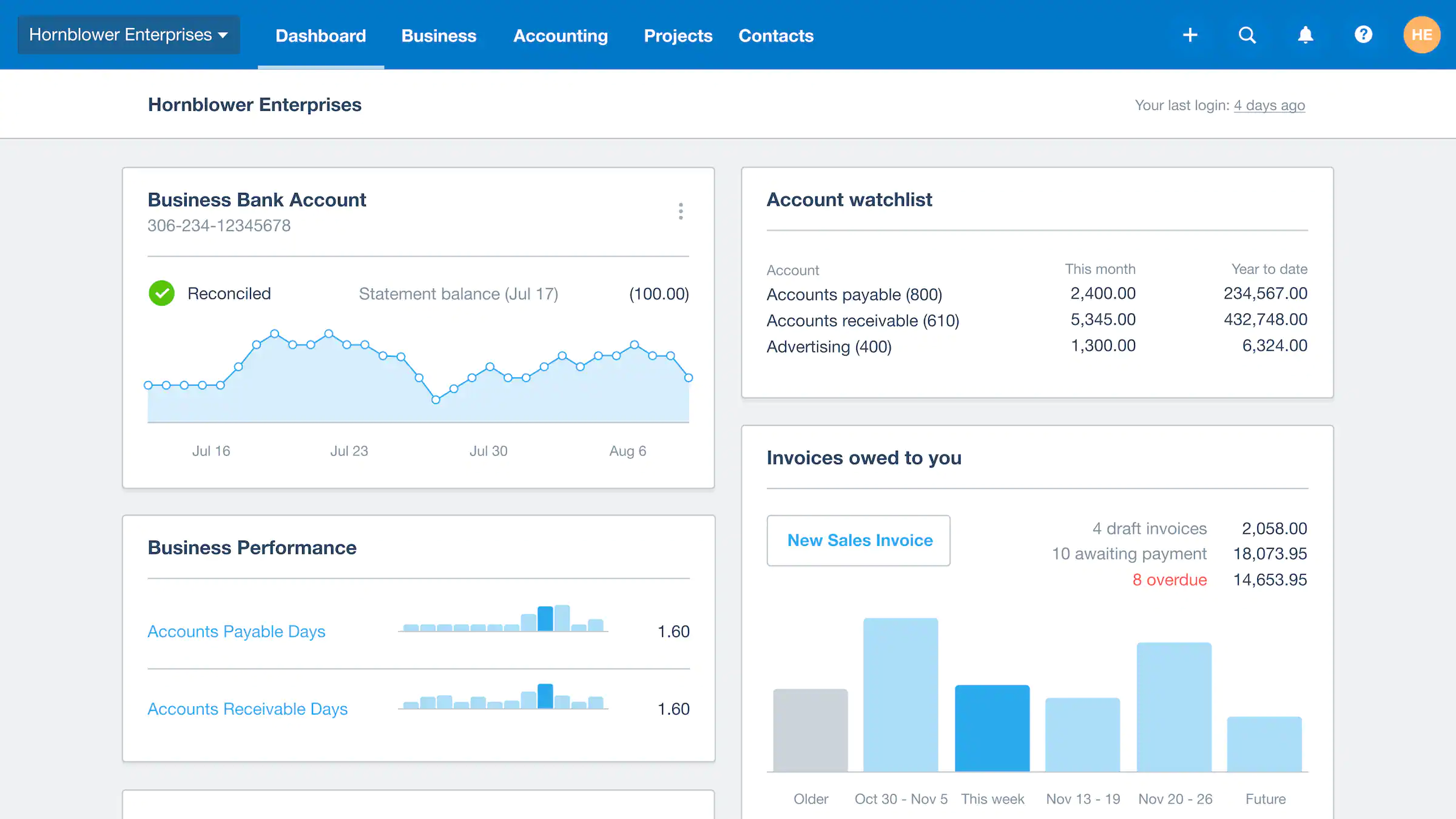
Xero offers a range of features designed to simplify financial management.
- Simple Invoicing and Quotes: Xero allows users to create professional invoices and quotes quickly. These documents can be customised to match your business branding and sent directly to customers via email. The software also enables automatic reminders for overdue invoices, improving cash flow.
- Bank Reconciliation: One of Xero’s standout features is its bank reconciliation capability. It automatically imports your bank transactions and matches them with your accounting records, which makes reconciliation simple and efficient. This reduces the likelihood of errors and saves time in financial reporting.
- Expense Tracking: With Xero, you can monitor business expenses in real-time. The software allows you to categorise expenses and attach receipts, providing a clear view of your spending patterns. This helps in budgeting and controlling costs effectively.
Pros and Cons of Xero
One of the biggest advantages of Xero is its integration capabilities.
- Integration with Third-Party Apps: Xero seamlessly connects with over 800 third-party applications. This means you can customise your financial management system to meet specific business needs, whether it’s integrating with a CRM, payroll service, or project management tool.
- User Community and Support: Xero has a strong user community and offers comprehensive online resources. These include tutorials, webinars, and support forums where users can share experiences and solutions.
- Scalability: As your business grows, Xero can scale with you. It offers various plans that cater to businesses of different sizes and complexities, ensuring you only pay for what you need.
While Xero is a great option for many SMEs, there are some factors to consider.
- Online Customer Support: Xero’s customer support is primarily online. While this may be convenient for many, it may not be ideal for those who prefer immediate phone support. It’s important to evaluate whether your team is comfortable with online communication and self-service options.
- Learning Curve: Although Xero is user-friendly, there may be a learning curve for those completely new to accounting software. Investing time in training and exploring the available resources can help mitigate this.
- Specific Industry Needs: While Xero is versatile, it may not cater to highly specialised industry needs without additional integrations or customisations. It’s advisable to assess whether your industry-specific requirements are met by its core offerings.
Overview of MYOB
Key Features of MYOB
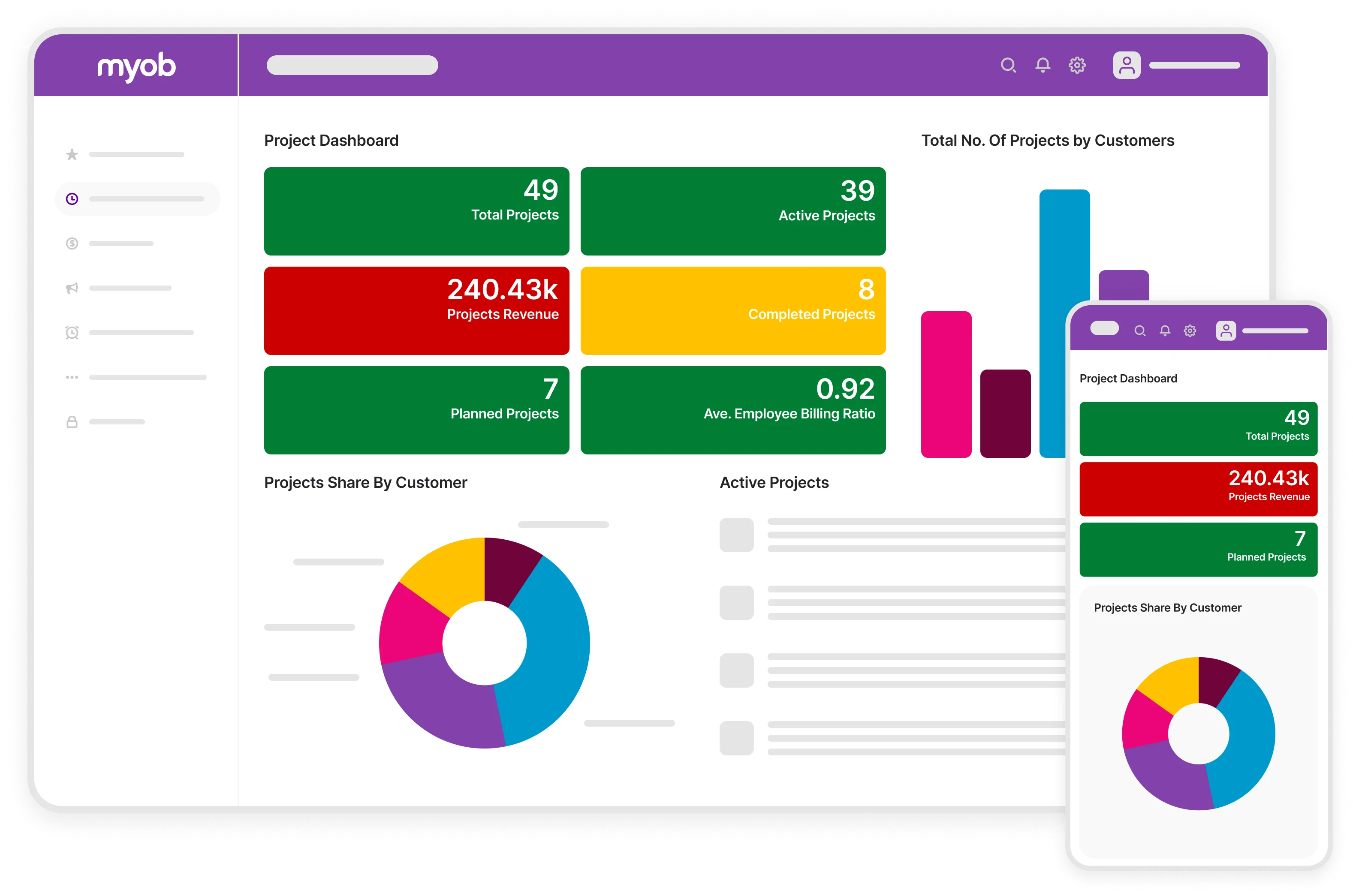
MYOB is equipped with a variety of tools that cater to businesses with more elaborate accounting and financial management requirements.
- Payroll Management: MYOB’s payroll feature is robust, handling everything from payroll processing to tax calculations and employee leave tracking. This ensures compliance with local labour laws and simplifies payroll administration.
- Inventory Management: For businesses that deal with physical products, MYOB’s inventory management system is invaluable. It helps track stock levels, manage orders, and even forecast inventory needs, reducing the risk of overstocking or stockouts.
- Advanced Reporting: MYOB provides detailed financial reports that can be customised to meet specific business needs. These reports offer insights into cash flow, profit and loss, and other critical financial metrics, aiding in strategic decision-making.
Pros and Cons of MYOB
MYOB’s payroll and inventory management features make it an attractive option for businesses that require more robust accounting solutions.
- Flexibility in Deployment: MYOB offers both cloud-based and desktop versions, providing flexibility in how you choose to manage your finances. This can be particularly beneficial for businesses that operate in areas with unstable internet connectivity.
- Industry-Specific Solutions: MYOB offers tailored solutions for various industries, including retail, construction, and professional services. This ensures that specific industry challenges are addressed, and businesses can operate more efficiently.
- Comprehensive Support Services: MYOB provides a range of support services, including phone support and in-person training. This can be beneficial for businesses that prefer direct interaction and hands-on assistance.
While MYOB offers a wide range of features, there are some considerations to keep in mind.
- User Interface: Some users find MYOB’s interface less intuitive compared to other options. It’s important to try a demo to ensure it meets your usability expectations, especially if ease of use is a top priority.
- Cost Implications: MYOB’s comprehensive features may come at a higher cost, particularly if you require additional modules or customisations. It’s important to consider whether the benefits justify the investment.
- Transition and Training: Transitioning to MYOB from another system may require a significant time investment in terms of training and data migration. Planning for this transition can help minimise disruptions to your business operations.
Overview of QuickBooks
QuickBooks is one of the most popular accounting software options for SMEs, and for good reason.
Key Features of QuickBooks
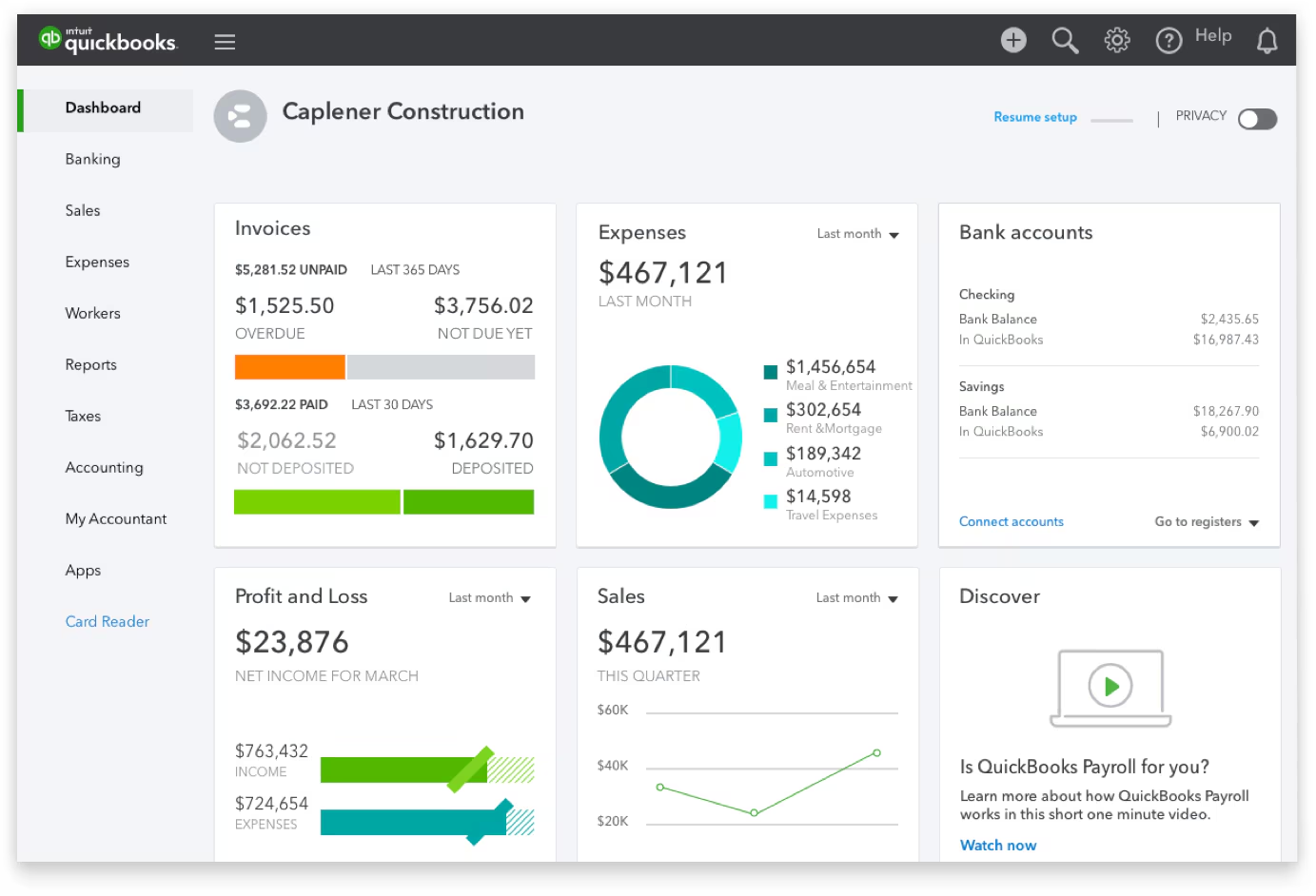
QuickBooks offers a robust set of features that cater to a wide range of business needs.
- Expense Tracking: QuickBooks makes it easy to track and categorise expenses for tax purposes. This feature is crucial for maintaining accurate financial records and simplifying tax season.
- Income and Sales Tracking: With QuickBooks, you can monitor your business’s income and sales performance in real-time. This helps in identifying trends and making informed business decisions.
- Tax Preparation: QuickBooks simplifies tax preparation by organising your financial data and offering tax deduction suggestions. This ensures compliance and can potentially maximise tax savings.
Pros and Cons of QuickBooks
QuickBooks is known for its versatility and scalability, making it suitable for businesses of all sizes.
- Scalability: Whether you’re a sole proprietor or managing a growing team, QuickBooks has plans that can scale with your business. This means you only pay for the features you need, reducing unnecessary expenses.
- Robust Reporting Tools: QuickBooks provides detailed reports that offer insights into your financial health. These reports can be customised to focus on specific areas of interest, helping you make strategic decisions.
- Extensive Third-Party Integrations: QuickBooks integrates with numerous third-party applications, enhancing its functionality and allowing you to create a tailored financial management system.
One potential drawback of QuickBooks is its pricing structure, which can be higher than other options.
- Cost: QuickBooks’ comprehensive features and scalability often justify its cost, but it’s important to ensure it fits within your budget. Comparing plans and evaluating the return on investment can help in decision-making.
- Learning Curve: Although QuickBooks is designed to be user-friendly, there may be a learning curve for those unfamiliar with accounting software. Taking advantage of training resources and customer support can ease this transition.
- System Requirements: QuickBooks may require specific system requirements, particularly for desktop versions. Ensuring compatibility with your existing infrastructure is crucial to avoid additional expenses.
Factors to Consider When Choosing Accounting Software
When it comes to choosing the best accounting software for your SME, there’s no one-size-fits-all solution.
- Ease of Use: If you’re new to accounting software, look for options with user-friendly interfaces. This can reduce the time spent on training and increase productivity.
- Integration Needs: Consider whether the software integrates with other tools you use, such as CRM systems, payment processors, or inventory management tools. This ensures seamless operations and reduces manual data entry.
- Budget: Compare pricing plans and choose one that fits your budget. It’s important to weigh the cost against the benefits and potential return on investment.
- Customer Support: Decide if online support is sufficient or if you prefer phone support. Evaluating the availability and responsiveness of customer support can impact your overall experience with the software.
Conclusion: Selecting the Best Software for Your SME
Different businesses have different needs, and your choice of accounting software should reflect this. Consider the complexity of your accounting processes, the size of your business, and your growth plans. This will help you select a solution that not only meets your current needs but also supports future expansion.
Choosing the right accounting software is a critical decision that can impact the efficiency and success of your business. Whether you choose Xero for its user-friendly design, MYOB for its comprehensive features, or QuickBooks for its versatility, the right tool can empower you to streamline your financial operations and focus on what matters most — growing your business.
Remember, the best accounting software for your SME is one that aligns with your business goals and simplifies your financial management. By enabling informed decisions and improving financial visibility, the right software can drive your business forward.
By understanding the unique features and benefits of Xero, MYOB, and QuickBooks, you’re well-equipped to make a choice that will support your business’s success. Take the time to explore demos, consult with peers, and consider your specific business needs. With the right tools, you can enhance your financial management and achieve your business objectives. Happy accounting!
Ready to pick the right software for your SME?
New Wave Accounting helps you choose and implement the best fit between Xero, MYOB, and QuickBooks, then sets everything up for you so your numbers are accurate and effortless from day one.


